
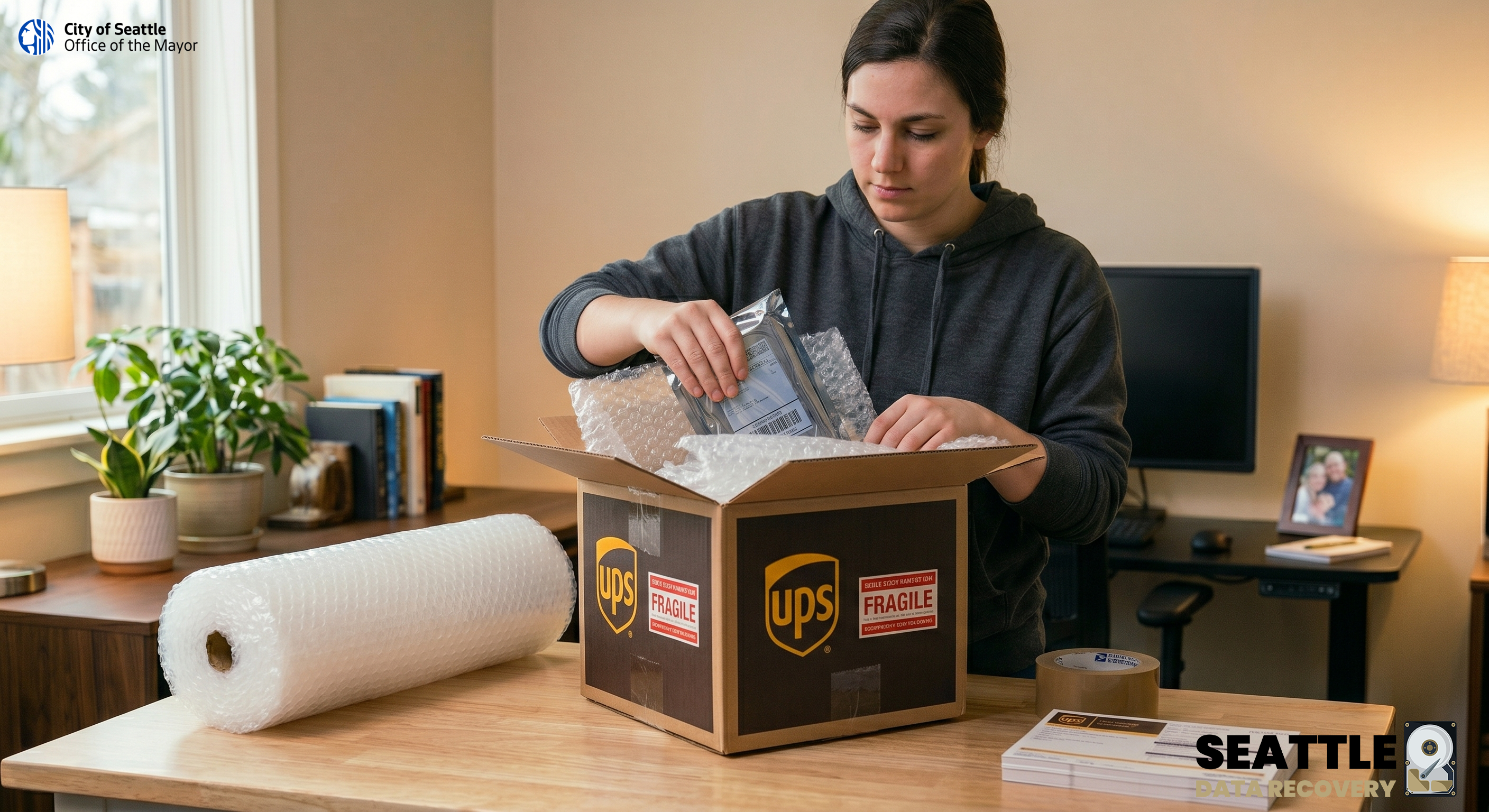
When your critical data is inaccessible, ensuring safe transit to our lab is the first step toward a successful recovery. As the recipient of the 2025 Consumer Choice Award for Data Recovery in North America, we treat your storage media with expert care from the moment it arrives at our Ballard facility.
Please address all shipments directly to our secure receiving department:
1455 NW Leary Way, Suite 400, Seattle, WA, 98107, USA
Step 1: Pack Your Media Securely
High-quality packaging is essential to prevent further physical damage during transit.
-
Anti-Static Protection: Place your drive inside a pink or silver anti-static bag. If you do not have one, a tightly sealed plastic freezer bag can be used as a temporary alternative.
-
Cushioning: Wrap the device securely in 2 to 3 inches of bubble wrap on all sides. Tape the bubble wrap so it does not unravel. Do not use packing peanuts, air pillows, or crumpled newspaper, as they shift during transit and leave delicate electronics unprotected.
-
Box It Up: Place the cushioned drive into a rigid, corrugated cardboard box. Fill any remaining space with extra bubble wrap so the drive is completely immobilized and cannot shake.
-
Include Your Details: Print or write your name, email, phone number, "contact information", and a brief description of the data loss issue on a piece of paper and place it inside the box before sealing it shut with heavy-duty packing tape.
- Mark Package as Fragile: Use Fragile stickers on all sides of your package to warn the carrier during shipping that the package contains a fragile piece of equipment.
Service Note: If you are shipping a solid-state drive to utilize our high-speed Super Processing data services, please pack it with the same level of care. We provide Super Processing exclusively on SSDs, as the intensive process places excessive hardware stress on traditional external HDDs.
Step 2: Find a UPS Drop-Off Location
Once your package is safely boxed, sealed, and labeled, it is ready for the carrier.
-
Navigate to the official UPS locator tool here: https://www.ups.com/dropoff/?loc=en_US
-
Enter your city, state, or ZIP code into the search bar to view a map of nearby facilities.
-
You can filter the results to find a fully staffed UPS Store, an authorized UPS Access Point, or a self-service Drop Box, depending on your preference.
Step 3: Ship and Track
Take your package to your selected UPS location. If you need to purchase postage, a staff member at a UPS Store can quickly generate a shipping label using our address above. For critical storage media, we highly recommend purchasing an expedited, trackable service such as UPS Next Day Air® or UPS 2nd Day Air®.
Once your package is in the UPS system, please get in touch with our team with your tracking number. This allows us to actively monitor the shipment and prepare our engineers to begin diagnostics as soon as your drive arrives.








