
When your critical data is lost, securely transporting your physical device to our lab is the first step toward a successful recovery. As the proud recipient of the 2025 Consumer Choice Award for Data Recovery in North America, we are ready to treat your storage media with expert care from the moment it arrives.
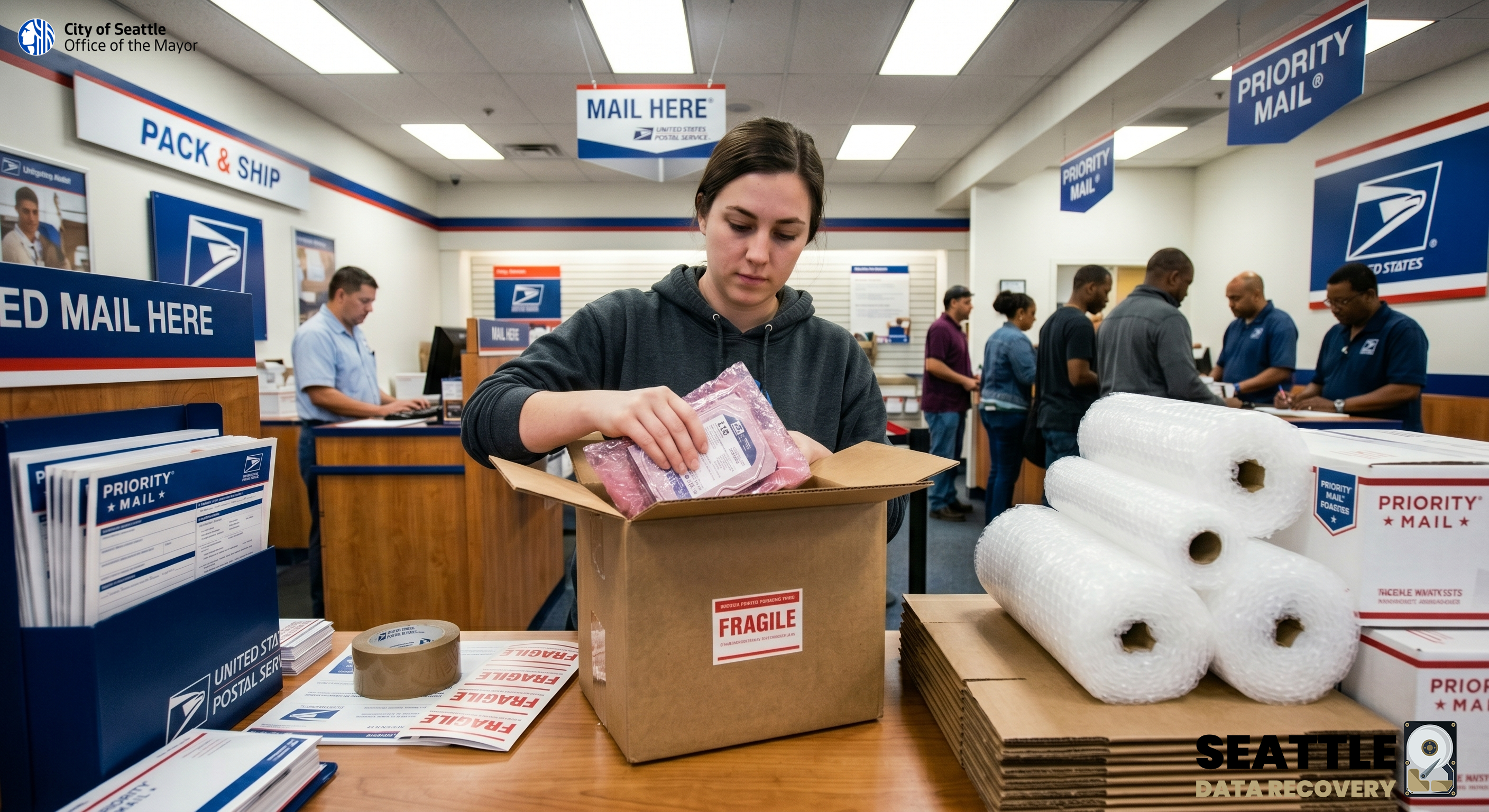
If you do not have shipping materials at home, you can purchase standard cardboard boxes, padded mailers, tape, and bubble wrap at the Post Office. However, please note that USPS staff do not provide full-service packing where they box up your items for you. You must bring your items pre-packaged or assemble the box yourself at a local branch.
Please address your USPS shipment directly to our secure receiving department:
Seattle Data Recovery, 1455 NW Leary Way, Suite 400, Seattle, WA, USA, 98107
Step 1: Secure the Drive Before You Leave Home
While USPS sells boxes and bubble wrap, they do not provide specialized electronics protection.
-
Place your bare hard drive into an anti-static (ESD) bag or a sealed zip-lock bag before you leave the house. This prevents static electricity from destroying the drive's internal circuit board.
Service Note: If you are shipping solid-state media to utilize our proprietary Super Processing data extraction, please ensure you pack the drive with maximum cushioning. We perform Super Processing exclusively on SSDs, as the high speeds and procedures place excessive hardware stress on standard mechanical external HDDs.
Step 2: Find Your Local Post Office
Locate the most convenient fully staffed Post Office to purchase your supplies and mail your device.
-
Use the official USPS locator tool: https://tools.usps.com/locations/home.htm?
Step 3: Purchase Supplies and Pack In-Store
Once at the Post Office, head to the retail section to purchase your packing materials.
-
Cushioning: Buy a roll of bubble wrap and wrap the bagged drive in 3-4 layers. Ensure there is at least 2 inches of cushioning protecting every side (including top and bottom) to absorb shock during transit. Tape the bubble wrap closed so it doesn't unravel.
-
Boxing: Select a new, sturdy corrugated cardboard box that is significantly larger than your wrapped hard drive.
-
Immobilize: Set the wrapped drive inside, then fill all remaining gaps so the drive cannot shift during transport.
-
Seal: Close the box and seal all seams and flaps with heavy-duty clear packaging tape (minimum width of 2 inches).
Step 4: Labeling and Shipping
When you are ready to ship at the retail counter, be mindful of how your package is labeled to avoid unnecessary fees.
-
The "Fragile" Sticker Rule:Using official USPS fragile stickers may trigger a "Special Handling" fee. This fee starts at $11 and requires you to declare the item at the retail counter.
-
Ship: Select a reliable, trackable shipping service such as USPS Priority Mail or Priority Mail Express to ensure fast transit times and delivery confirmation.








