
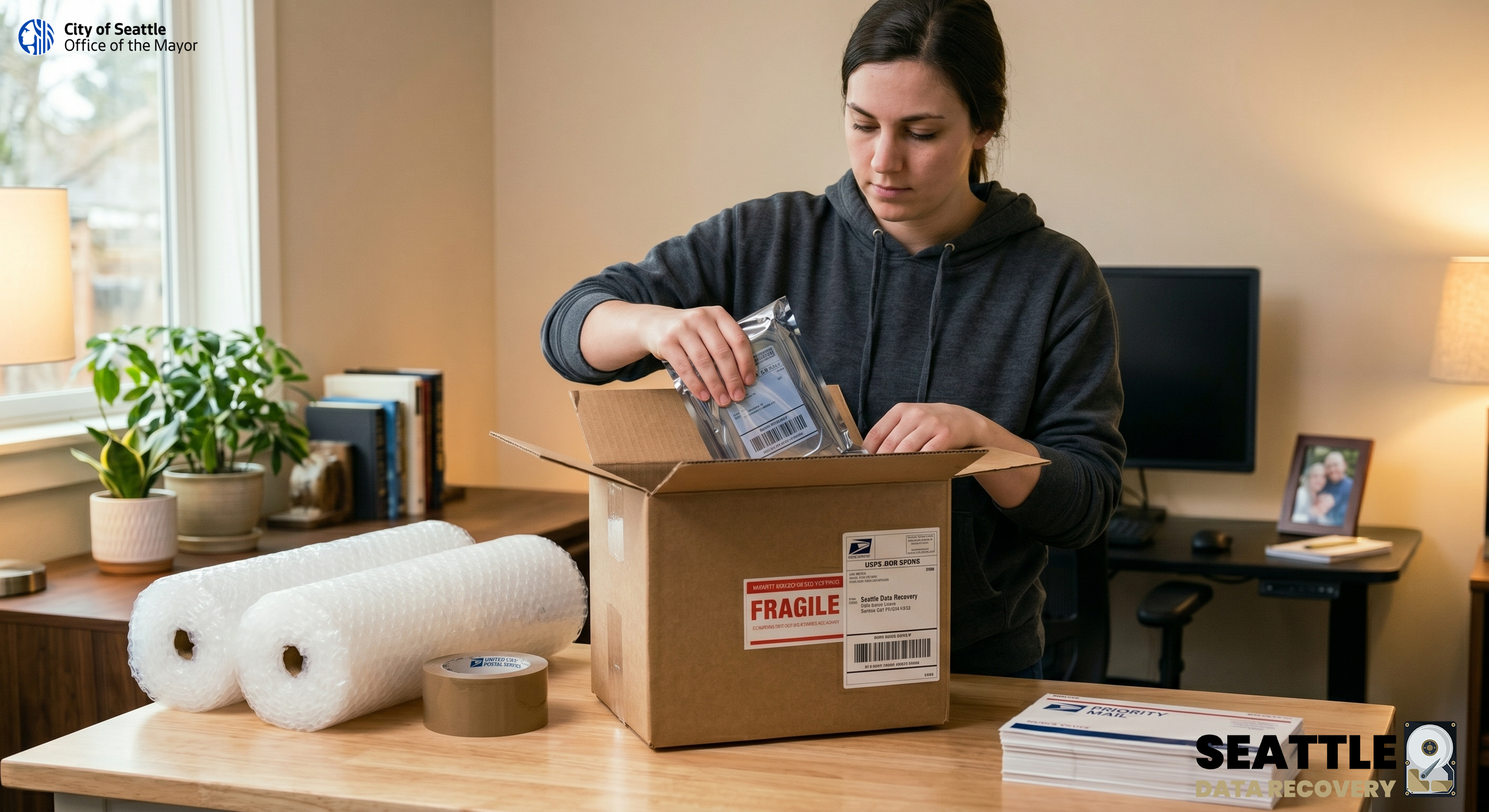
When you experience catastrophic data loss, securely transporting your physical device to the lab is your first priority. As the proud recipient of the 2025 Consumer Choice Award for Data Recovery in North America, we treat your critical storage media with the highest level of care the moment it arrives at our Ballard laboratory.
Please address your USPS shipment directly to our secure receiving department:
1455 NW Leary Way, Suite 400, Seattle, WA, 98107, USA
Step 1: Pack the Hard Drive Securely
To safely pack a hard drive for shipping with USPS, always use an anti-static bag and wrap it with at least 2 inches of bubble wrap on all sides.
-
Anti-Static Protection: Place the hard drive into an anti-static (ESD) bag. This prevents static electricity from destroying the drive's internal circuit board.
-
Add Cushioning: Wrap the bagged drive in 3 to 4 layers of bubble wrap. Ensure there is at least 2 inches of cushioning protecting every side (including top and bottom) to absorb shock during transit.
-
Secure the Bundle: Tape the bubble wrap closed so it doesn't unravel.
Service Note: If you are shipping solid-state media to utilize our proprietary Super Processing data extraction, please ensure the drive is packed with maximum cushioning. We perform Super Processing exclusively on SSDs, as the intense speeds and procedures place too much hardware stress on standard mechanical HDDs.
Step 2: Box and Seal the Package
-
Choose a Sturdy Box: Select a new, sturdy corrugated cardboard box that is significantly larger than your wrapped hard drive.
-
Fill the Voids: Set the wrapped drive inside, then fill all remaining gaps so the drive cannot shift during transport. Never use packing peanuts, crumpled paper, or air-bag fillers, as they allow the drive to shift or take impact.
-
Enclose Documents: Print and fill out the required paperwork from the recovery service and place it inside the package.
-
Seal Securely: Close the box and seal all seams and flaps using heavy-duty clear packaging tape (minimum 2-inch width). Do not use masking tape, cellophane, or string.
Step 3: Label and Ship with USPS
-
Mark as Fragile: Write "Fragile" or "Handle with Care" clearly on all sides of the box.
-
Label Creation: You can pay for and print your postage online using USPS Click-N-Ship.
-
Choose a Shipping Service: Select a reliable, trackable shipping service such as USPS Priority Mail or Priority Mail Express to ensure fast transit times and delivery confirmation. If you choose to use one of the USPS Priority Mail Flat Rate boxes, remember that you must use the corresponding flat rate postage.
-
Add Insurance: Because hard drives contain sensitive and fragile mechanical components, it is highly recommended to purchase extra shipping insurance to cover the value of the drive in case of damage or loss.
-
Drop-off: Take your securely sealed package to any local USPS Location or drop it into an approved collection box. Make sure you get a receipt with tracking information.








