
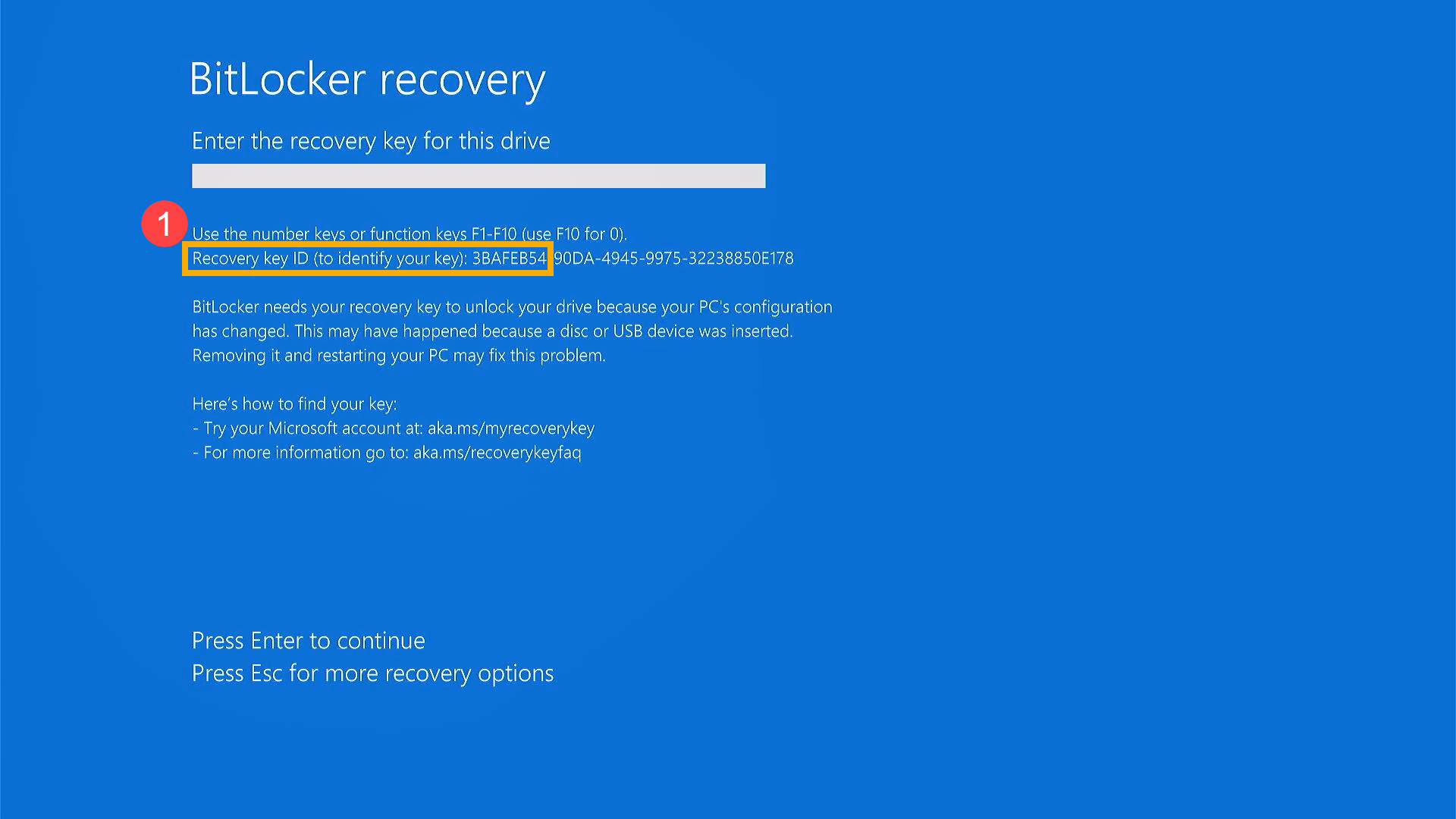
The Failure Scenario
You open your ASUS ZenBook, expecting your normal Windows login screen, but are instead greeted by a bright blue screen demanding a 48-digit BitLocker Recovery Key. You never explicitly turned on encryption, do not have the key written down, and searching your Microsoft account yields no results.
The Storage Challenge
ASUS ZenBooks ship from the factory with Windows Device Encryption enabled by default. The encryption key is securely managed by the motherboard’s Trusted Platform Module (TPM) chip. When your laptop downloads an automatic Windows update or an official ASUS BIOS update, the motherboard's underlying firmware signature changes. The TPM chip detects this change as a security breach and immediately locks down the solid-state drive (SSD) to prevent data theft.
The Professional Recovery Process
Standard operating systems completely block access to the data layers without the matching mathematical key. Our paid diagnostic evaluation maps out whether the lockout is purely logical or triggered by a physical hardware failure.
- Firmware Rollbacks: In cases where a recent BIOS update broke communication with the TPM chip, our engineers use hardware programmers to manually flash the motherboard's BIOS back to the exact previous working version to restore the security handshake.
- RAM Clearing & Forensic Extraction: If the laptop is still partially operational or loops, specialized data recovery hardware can sometimes capture the encryption keys from the volatile memory before they clear, allowing us to safely decrypt the storage sectors.
- Shadow Partition Mirroring: We create an exact sector-by-sector clone of the locked NVMe partition onto our lab storage servers. We then apply specialized decryption array tools to target weaknesses or backup keys hidden within unallocated space.








