
In the modern digital landscape, data loss is a crisis that requires immediate action. For businesses and individuals facing critical data emergencies, waiting days for shipping is not an option. Seattle Data Recovery offers a powerful solution: professional Remote Data Recovery services. Available 24 hours a day, 365 days a year (including holidays), our expert engineers can now connect directly to your working computer to salvage lost files, repair corruption, and reverse accidental deletions—all without your device ever leaving your sight.
What is Remote Data Recovery?
Remote data recovery is a secure method of retrieving lost or inaccessible data by connecting an expert engineer to your computer over the internet. Instead of shipping your device to a lab, we utilize a secure connection to perform the same professional-grade diagnostics and recovery procedures we would use in-house, but with zero shipping downtime.
This process effectively targets "logical" data loss scenarios—where the hardware is intact but the data is missing or corrupted—allowing work to begin within hours of your initial call.

How We Use TeamViewer for Recovery
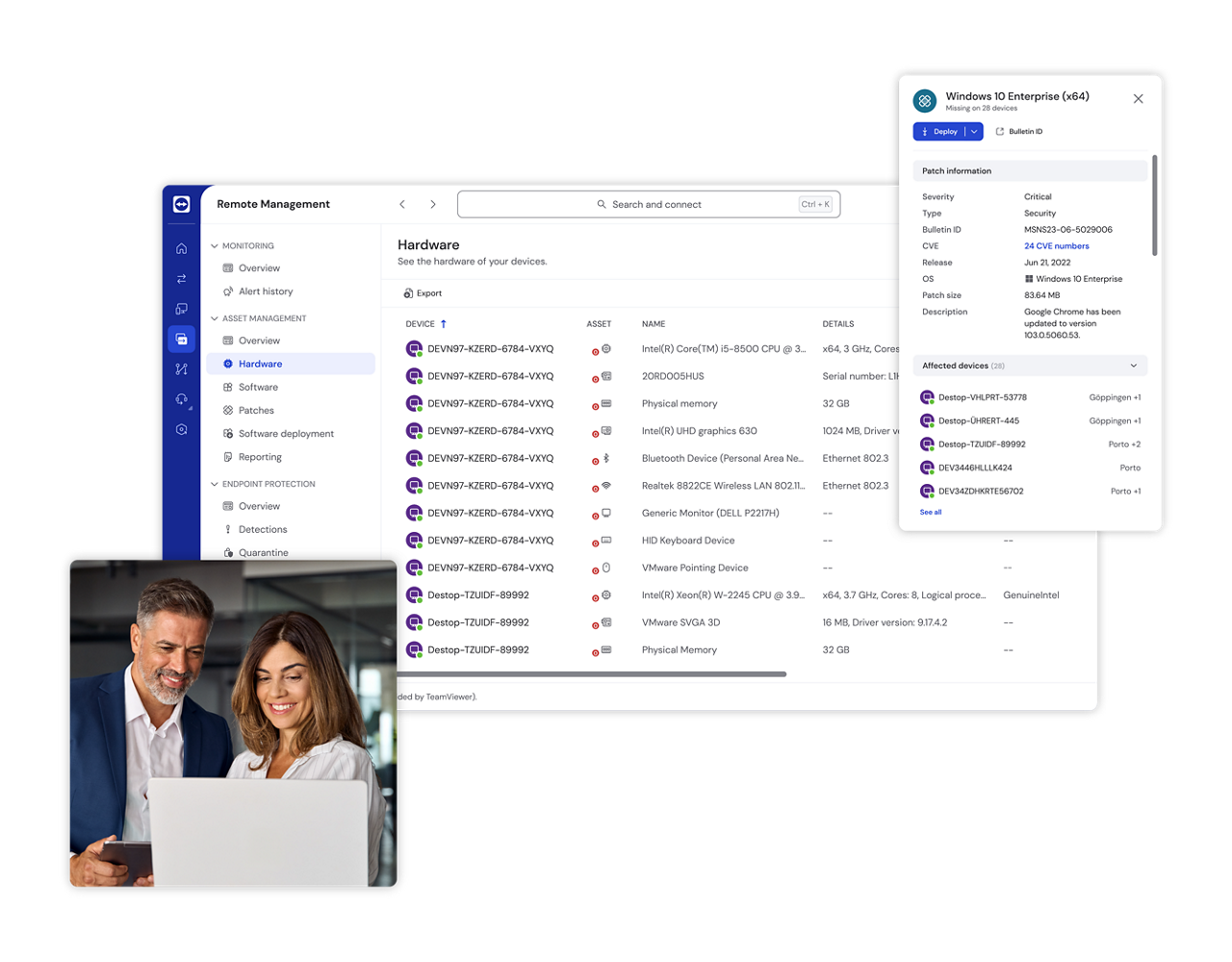
To facilitate this secure connection, Seattle Data Recovery utilizes TeamViewer, a world-class remote connectivity platform. While TeamViewer itself is not a data recovery tool, it serves as the secure bridge that allows our technicians to access your system and deploy our specialized recovery software.
The process works in three distinct steps:
-
Secure Connection & Assessment: Our engineers guide you through a quick setup to establish a secure, encrypted connection (SSL/TLS) to your machine. We then remotely assess the drive to ensure it is healthy enough for a software-based recovery.
-
Remote Diagnostics & Scanning: Once connected, we install and run advanced forensic tools (such as XWays, R-Studio, or Partition Recovery) directly on your system to scan for lost file structures.
-
Data Extraction: We extract the recovered data to a safe location, such as a separate external drive or a new server volume, ensuring the original damaged data is not overwritten.
When is Remote Recovery the Right Choice?
Remote recovery is the ideal solution for logical failures, where the physical storage media is still functioning correctly. Our 24-hour emergency service is perfect for:
-
Accidental Deletion: Files emptied from the trash or deleted via command line.
-
Corruption & Formatting: Partitions that have been formatted or file systems that have become corrupt.
-
Virus & Ransomware Attacks: Data that has been hidden or made inaccessible by malware.
-
Minor System Issues: restoring backed-up files or fixing minor operating system glitches.
Critical Warning: When NOT to Use Remote Recovery
It is vital to distinguish between logical and physical failure. You must not attempt remote recovery if your drive has physical damage. If you hear clicking, grinding, or if the drive is not detected by your computer's BIOS, remote software cannot help and may cause permanent data loss. In these cases, the drive forces read/write heads to repeatedly access damaged areas, destroying the platters. For physical failures, the drive must be shipped to our lab for cleanroom intervention.
The Seattle Data Recovery Advantage
By leveraging TeamViewer’s centralized management and secure end-to-end encryption, Seattle Data Recovery brings the lab to you. This approach offers unparalleled speed and convenience, minimizing downtime by eliminating shipping delays.
Whether it is 2:00 PM or 2:00 AM, our team is standing by to initiate your recovery immediately.
Contact Seattle Data Recovery today to start your secure remote session.








