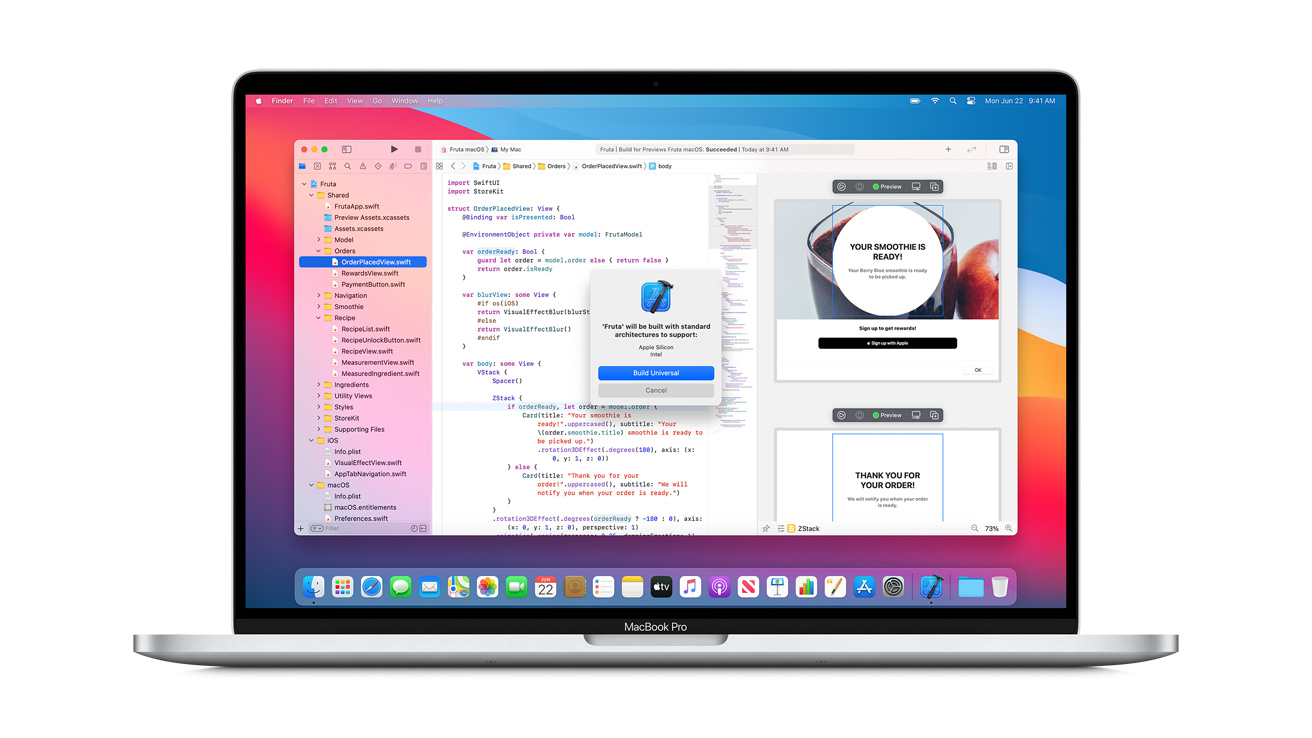
Apple silicon - Apple

Here is the Technical FAQ section tailored for your sales page, addressing the specific architectural and security questions technical clients often ask.

Technical FAQ: Apple Silicon & Security Architecture

Q: Can I simply remove the SSD modules from my failed Mac Studio and read them in another unit?

A: No. While the SSD modules in the Mac Studio are physically removable, they are not standard storage devices. The modules are raw NAND storage, while the storage controller is integrated directly into the M-series chip on the main logic board111. Furthermore, these modules are "paired" via software to your specific logic board2. Placing them into another Mac Studio will not work because the unique encryption keys held in your original Secure Enclave will not be present to decrypt the data3.

Q: My local repair shop said the SSD is soldered. Is that true?

A: Technically, no. The Mac Studio uses proprietary removable modules rather than NAND chips soldered directly to the board4. However, Seattle Data Recovery advises clients to treat them as if they were soldered. Because Apple’s custom controller links to the NAND chips via firmware, a simple swap is impossible without specific software pairing that destroys data5. For data recovery purposes, the modules and the logic board must be treated as a single, inseparable unit6.

Q: If the Logic Board is dead, how does Seattle Data Recovery access the files?

A: Because the encryption keys live on the CPU (Secure Enclave) and not on the drive modules, the original logic board must be functional to decrypt the data7. Seattle Data Recovery utilizes microsoldering techniques to repair the power rails or logic circuits on the damaged board8. The goal is to stabilize the board temporarily—just enough to allow the M-chip to power up, authenticate the storage modules, and decrypt the volume for extraction9.


Q: Does the "Share Disk" feature work if my OS is corrupted?

A: Yes, in many cases. If the hardware is functional but the OS fails to boot, Seattle Data Recovery can utilize the Share Disk feature found in the proprietary macOS Recovery on Apple Silicon10. This allows the Mac Studio to act as an external target disk for our forensic workstations, enabling high-speed Thunderbolt transfers without booting the host operating system11.

Next Step

Would you like me to write a brief "Emergency Checklist" for your clients (e.g., "Do not attempt DFU restore," "Do not swap modules") to include as a sidebar warning on this page?
OWC Express 4M2 : The Numbers Are Insane
1:36
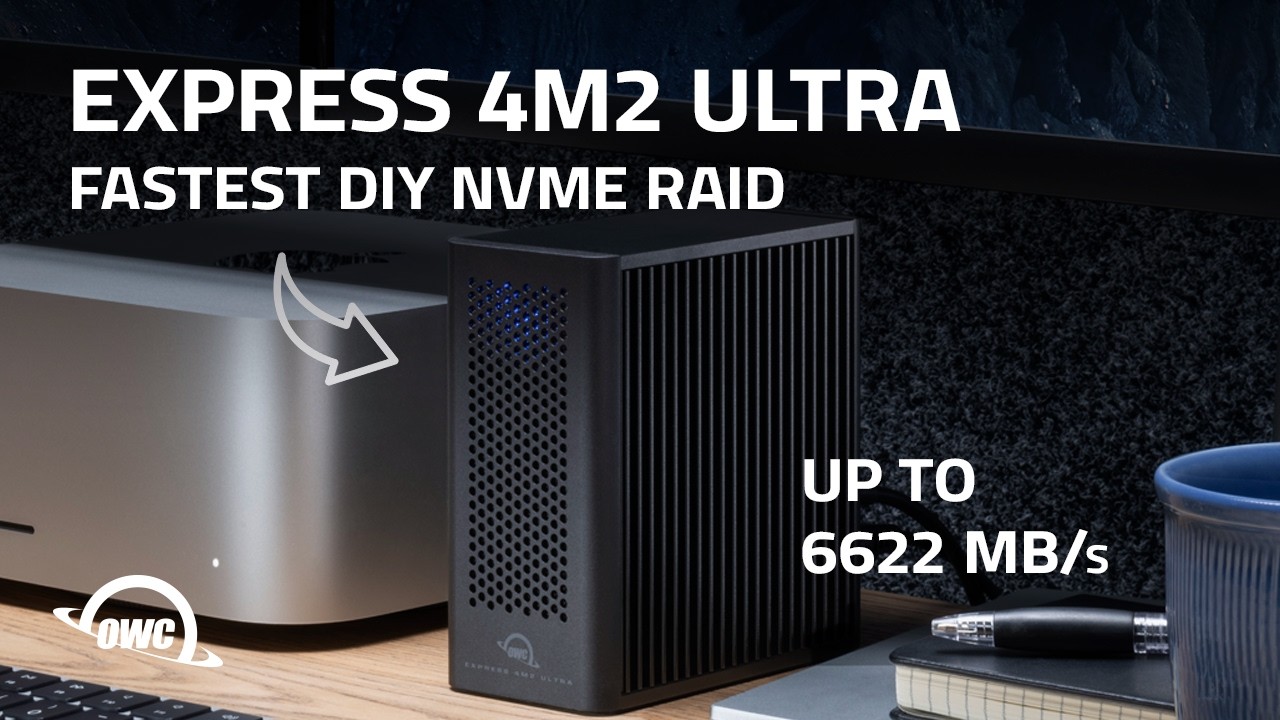
We're checking out the Express 4M2 Ultra, a compact DIY NVMe RAID solution built for serious performance. This DIY device boasts incredible Thunderbolt 5 speeds, making it ideal for demanding video editing workflows and all file transfers. It's the ultimate SSD enclosure for anyone serious about data management. The best hard drives, portables, SSDs, NVMe, Desktop and RAID solutions are made by OW...
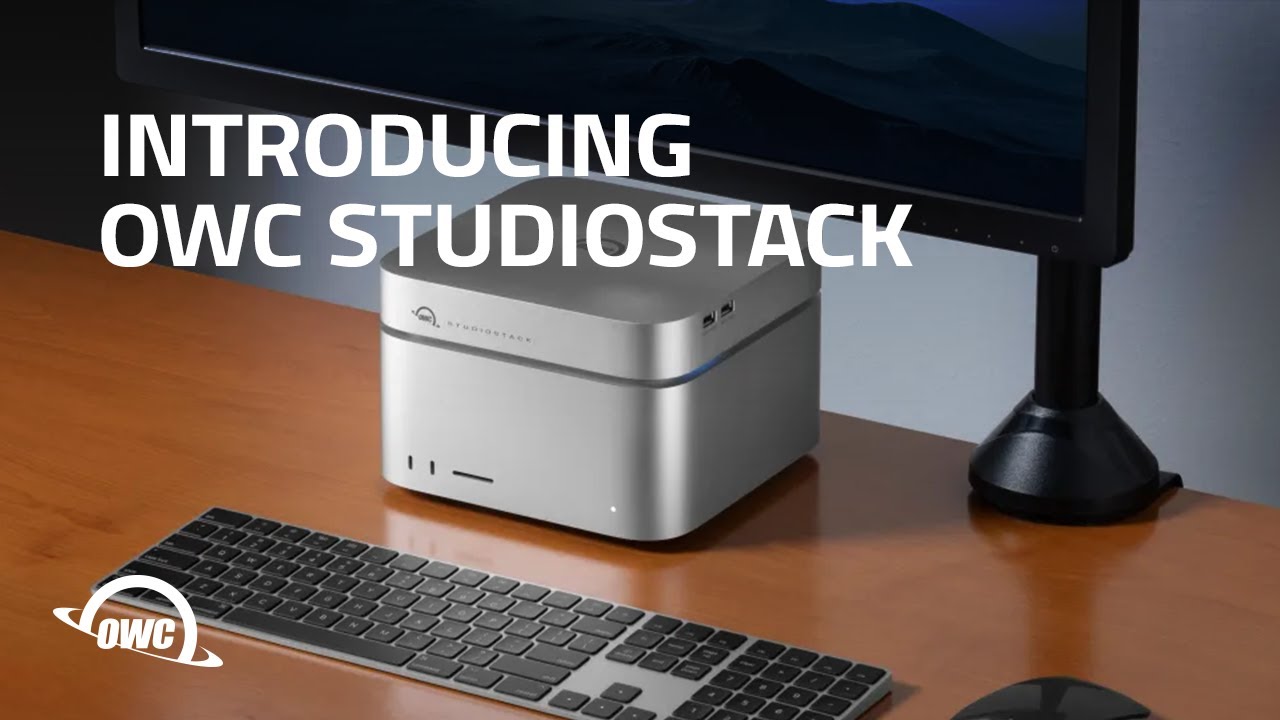
Mac Studio Storage: The $2000 Mistake You're Making | OWC StudioStack
0:16
Pump up your Mac Studio or Mac mini with the fastest and highest capacity stackable hybrid storage innovation on the planet. Now you can flex your true form…with up to 64x MORE storage capacity1, up to 6302MB/s speed that rivals the latest Mac Studio models, and a six port Thunderbolt/USB-A hub for additional connectivity possibilities. Show off all that jacked up brawn in a buff, aircraft grade a...
OWC ThunderBay 4 vs. a Massive Content Library
1:31
Read More of Andrew's story here: https://bit.ly/45CcS7k Andrew Reed, a talented Nashville filmmaker and photographer, shares his meticulous process for creating high-quality documentary work. He relies on essential tools like the OWC ThunderBay 4 to manage demanding projects, ensuring a smooth workflow for his extensive filmmaking and photography endeavors. This robust storage solution is crucial...
Introducing the OWC Rover Pro Wheels Kit for 2019 Apple Mac Pro
0:30
Available now at https://eshop.macsales.com/shop/rover-pro The OWC Rover Pro is a patent-pending faster, easier, and more affordable than factory solution for rolling and securing a 2019 Mac Pro on any surface.
Introducing the OWC Mercury Elite Pro Dual with 3-Port Hub
0:34
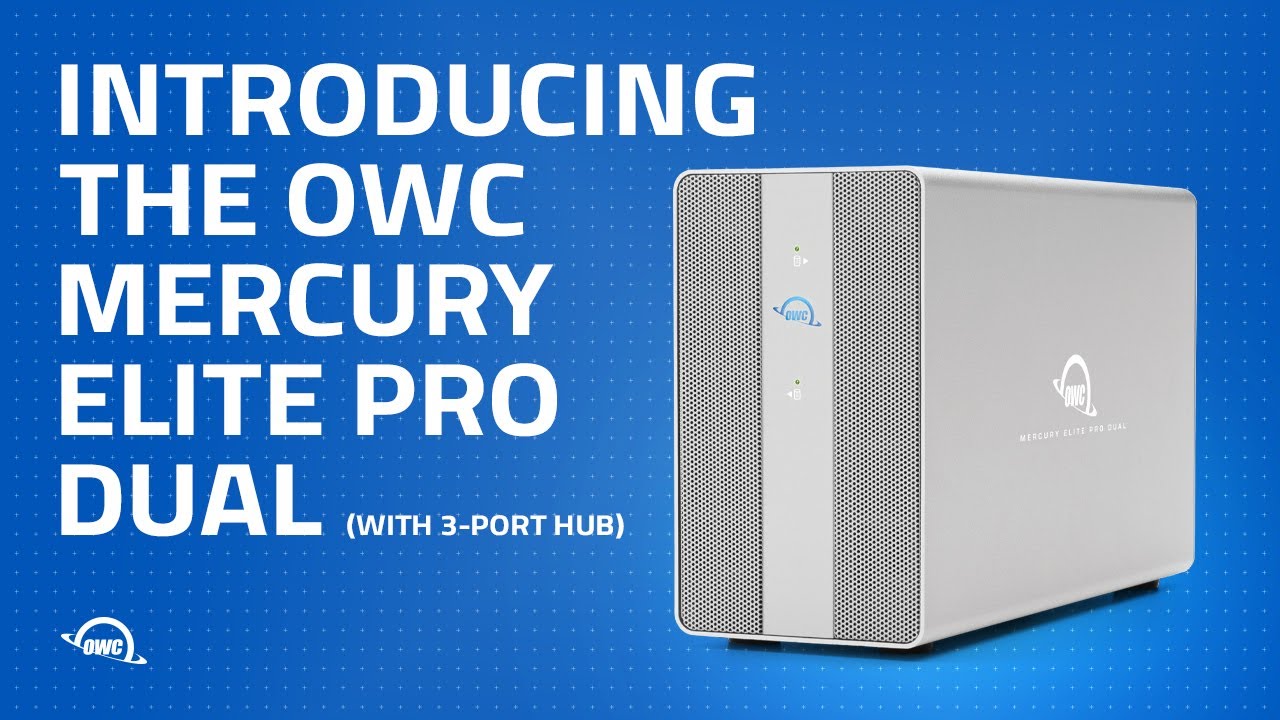
Dual-drive hardware RAID storage solution with USB hub offers file and footage storage, accessory connectivity, and device charging to home offices, small businesses, and creative pros. You can find the Mercury Elite Pro Dual with 3-Port Hub at: https://eshop.macsales.com/shop/owc-mercury-elite-pro-dual
Introducing the OWC Thunderbolt 3 Mini Dock
0:52
Check out the new bus-powered 'multi-adapter' that gives users dual 4K display support, dual USB ports, and Gigabit Ethernet in the palm of your hand. https://eshop.macsales.com/shop/docks/owc-thunderbolt-3-mini-dock/

Bureau of Intelligence and Research Certificates

Micro-Soldering & Logic Board technician
SOC Type II Privacy Compliance Shield
Monolithic Flash Memory Specialist
Forensic Methodology Validation
Federal Contract Eligibility
HIPAA Data Security Compliance
RAID Reconstruction Specialist 2024
RAID Reconstruction Specialist 2025
RAID Reconstruction Specialist 2026

Critical Notice: Physical Damage & Hardware Policy

Please be advised that ANY damage that is physical or mechanical in nature requires additional parts and labor.
The baseline mechanical recovery rate covers our cleanroom environment entry, laboratory equipment allocation, and initial micro-engineering setup. Because physical failures require sourcing exact matching donor drives from our global component pipeline to swap out broken read/write head assemblies, seized spindles, or damaged electronics, all components, replacement donor hardware, and extended mechanical bench labor will be billed as additional standalone costs following your diagnosis.